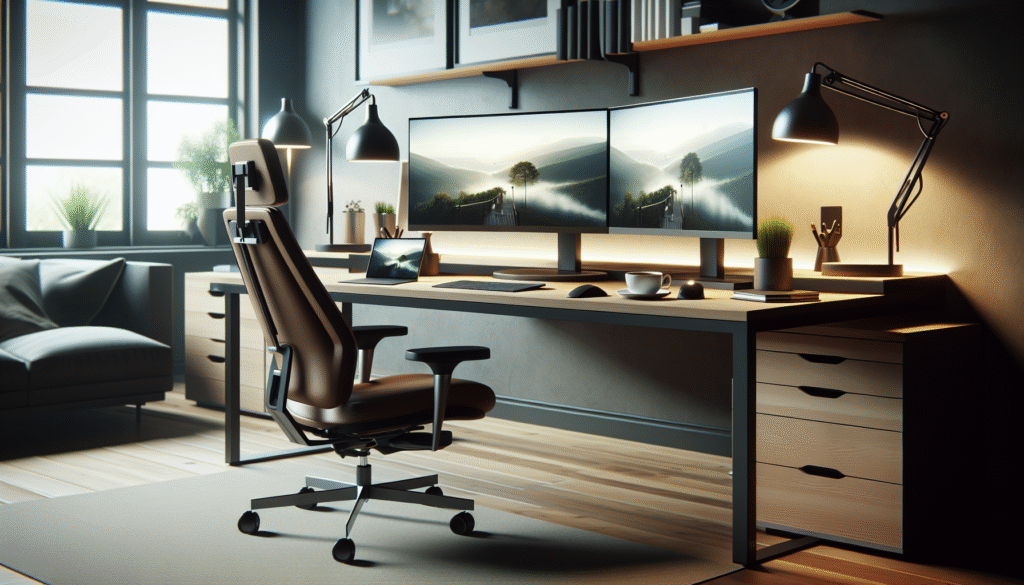
Have you ever wondered what it takes to create the perfect workfromhome environment? With remote work becoming increasingly popular, setting up an efficient and comfortable home office is crucial. Let’s explore some essential gadgets and tips that can transform your home into a productive workspace.
Essential Gadgets for a Productive Home Office
Investing in the right gadgets can significantly enhance your remote work experience. Consider starting with ergonomic essentials, such as a comfortable office chair that supports your posture throughout the day. Pair this with an adjustable standing desk, which allows you to alternate between sitting and standing, promoting better circulation and reducing fatigue.
Next, look into dual monitors, which can boost productivity by providing ample screen space for multitasking. Additionally, a quality webcam and microphone are indispensable for clear virtual meetings, ensuring you stay connected with colleagues.
Smart lighting solutions, such as adjustable desk lamps with various colour temperatures, can help reduce eye strain and improve focus. Finally, noisecancelling headphones can minimise distractions, allowing you to concentrate on important tasks.
Optimising Your Home Office Layout
Designing a functional home office layout is key to achieving maximum productivity. Start by selecting a quiet location away from household distractions. Natural light is beneficial, so try to position your desk near a window to harness its energising effects.
Keep your workspace organised by using cable management solutions and storage options, such as shelves or filing cabinets, to declutter your desk. A clean environment can boost mental clarity and productivity.
Consider incorporating plants or artwork into your office decor to create an inviting atmosphere. Personal touches can enhance motivation and comfort, making your workspace a reflection of your personality.
Digital Tools for Enhanced Workflow
Selecting the right digital tools can streamline your workflow and improve efficiency. Invest in project management software like Trello or Asana to keep track of tasks and deadlines, fostering better collaboration with remote teams.
Communication platforms, such as Slack or Microsoft Teams, facilitate seamless interaction with colleagues, ensuring you’re always in the loop. For document management, tools like Google Drive or Dropbox offer easy access to files, enabling efficient data sharing and storage.
Time management apps, such as RescueTime, can help monitor productivity and identify areas for improvement. By integrating these digital tools into your routine, you can enhance your remote work experience and maintain a balanced worklife dynamic.
Maintaining Digital Wellbeing
Remote work can blur the boundaries between personal and professional life, making it essential to prioritise digital wellbeing. Begin by setting clear work hours and communicate these boundaries with household members to minimise interruptions.
Incorporate regular breaks into your schedule to avoid burnout and maintain focus. Techniques like the Pomodoro Technique, which involves working in short bursts followed by brief rests, can improve productivity.
It’s also vital to stay connected with colleagues on a personal level. Virtual social interactions can help combat feelings of isolation, fostering a sense of community and support within your remote team.
Top Tips and FAQs
Top Tips:
Invest in ergonomic furniture to support physical health.
Create a clutterfree environment to boost mental clarity.
Utilise digital tools to streamline communication and workflow.
Prioritise digital wellbeing by setting boundaries and taking breaks.
FAQ:
Q: What are the most important gadgets for a home office?
A: Essential gadgets include ergonomic furniture, dual monitors, noisecancelling headphones, and smart lighting solutions.
Q: How can I create a productive home office environment?
A: Choose a quiet location with natural light, keep your workspace organised, and incorporate personal touches for comfort and motivation.
Q: Which digital tools are recommended for remote work?
A: Tools like Trello, Slack, Google Drive, and time management apps can enhance productivity and workflow.
Conclusion
Creating the perfect remote work environment involves selecting the right gadgets, optimising your layout, and prioritising digital wellbeing. As you adapt your home office to suit your needs, consider how these changes impact your productivity and worklife balance. What gadgets and tips do you find essential for your remote work success? Share your thoughts and experiences with us! Don’t forget to check out how a people finder can assist in enhancing your professional network.
For more, see this Wikipedia article on Biohacking.